Managing Your Email Inbox
How do you make your email inbox more manageable? Learn simple tips and tricks to manage your email inbox.


How do you make your email inbox more manageable? Learn simple tips and tricks to manage your email inbox.

What are browser extensions? Google Chrome Extensions add to your browser capabilities with additional features. They can modify web pages and personalize your browsing experience with easy-to-access extensions.
What are search engines and how do you use them? Learn how to search the internet and find everything from your family history and the news to directions and recipes using search engines.
Want to save what you see on your computer or mobile device screen? Learn why you may need to save a copy of your screen and how to save a screenshot.
Want to learn about scanning, saving and sharing printed documents? Learn about the mobile applications you can use to scan documents and learn how to scan documents.
Want to learn how to adapt a Windows computer for a user who may have sight, hearing, or motor function challenges? This video will guide you through the PC accessibility settings on a Windows computer.
Do you think your computer is too slow? Learn the simple steps you can take to improve your computer speed.
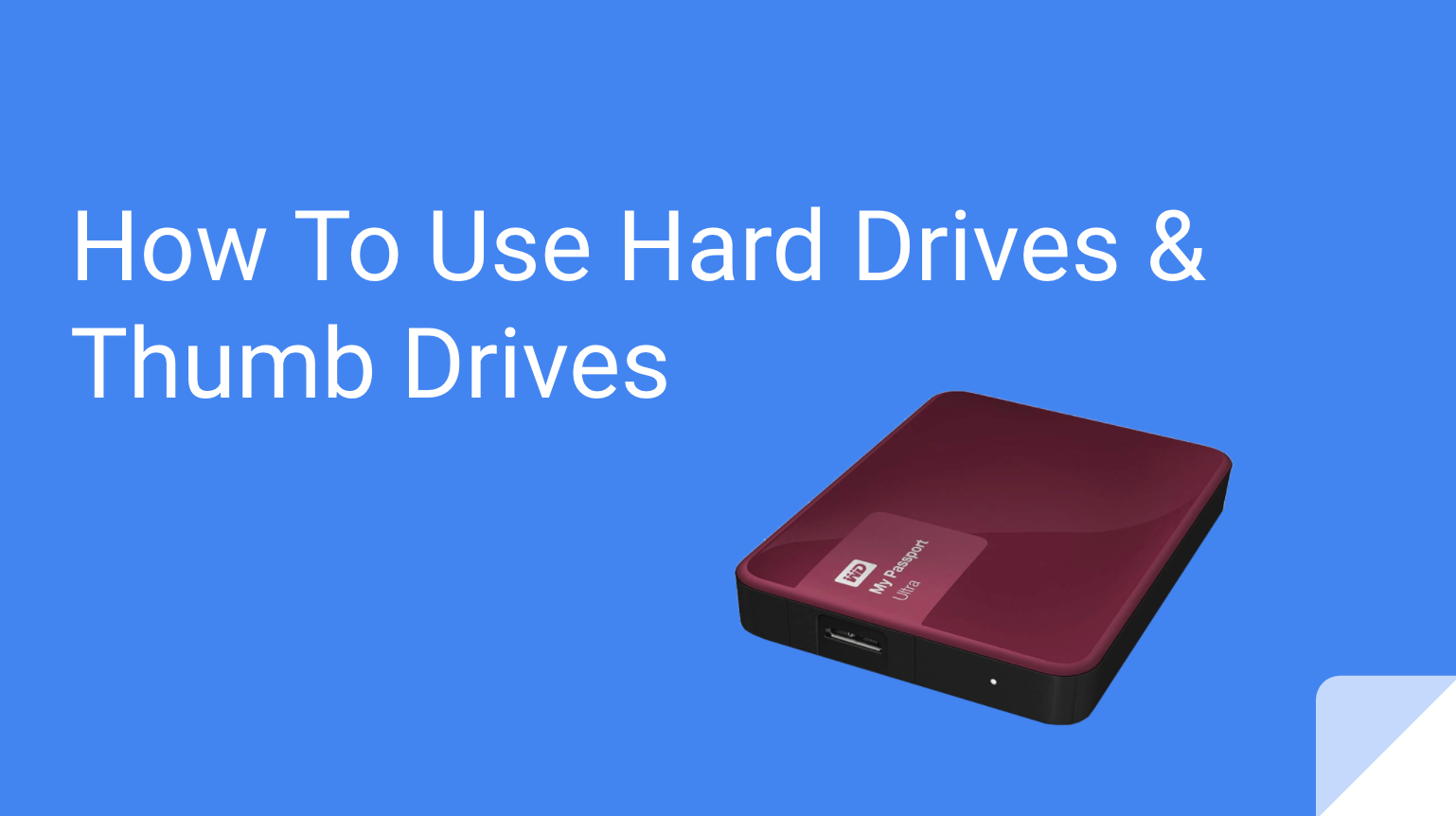
What are thumb drives and external hard drives? Learn how to store files outside of your computer and transfer files to other computers without using the Cloud. Learn about the types of drives available.

Do you want to clear a cache on your device or computer? Join us as we learn what a cache is and how you can clear it from your device.
Do you want to build your own Website? This video shows how to create your own website using the website-creating platform Wix.