Email Scams: How to Spot Them
In this session, our teen tech mentors will help you recognize common email scams, understand warning signs, and learn what to do if you receive a suspicious message.

In this session, our teen tech mentors will help you recognize common email scams, understand warning signs, and learn what to do if you receive a suspicious message.
In this session, our teen tech mentors will show you how to recognize fake websites, misleading pop-ups, and urgent warnings, and explain what to do if one appears on your screen.
In this session, our teen tech mentors will walk through how to tell if a website is safe, avoid online shopping scams, and browse the internet with more confidence.

In this session, our teen tech mentors will explain how hackers gain access to accounts and share simple steps you can take to better protect your email, social media, and online accounts.
In this session, our teen tech mentors will demonstrate how call screening tools work and how you can use them to manage unknown or spam calls with confidence.
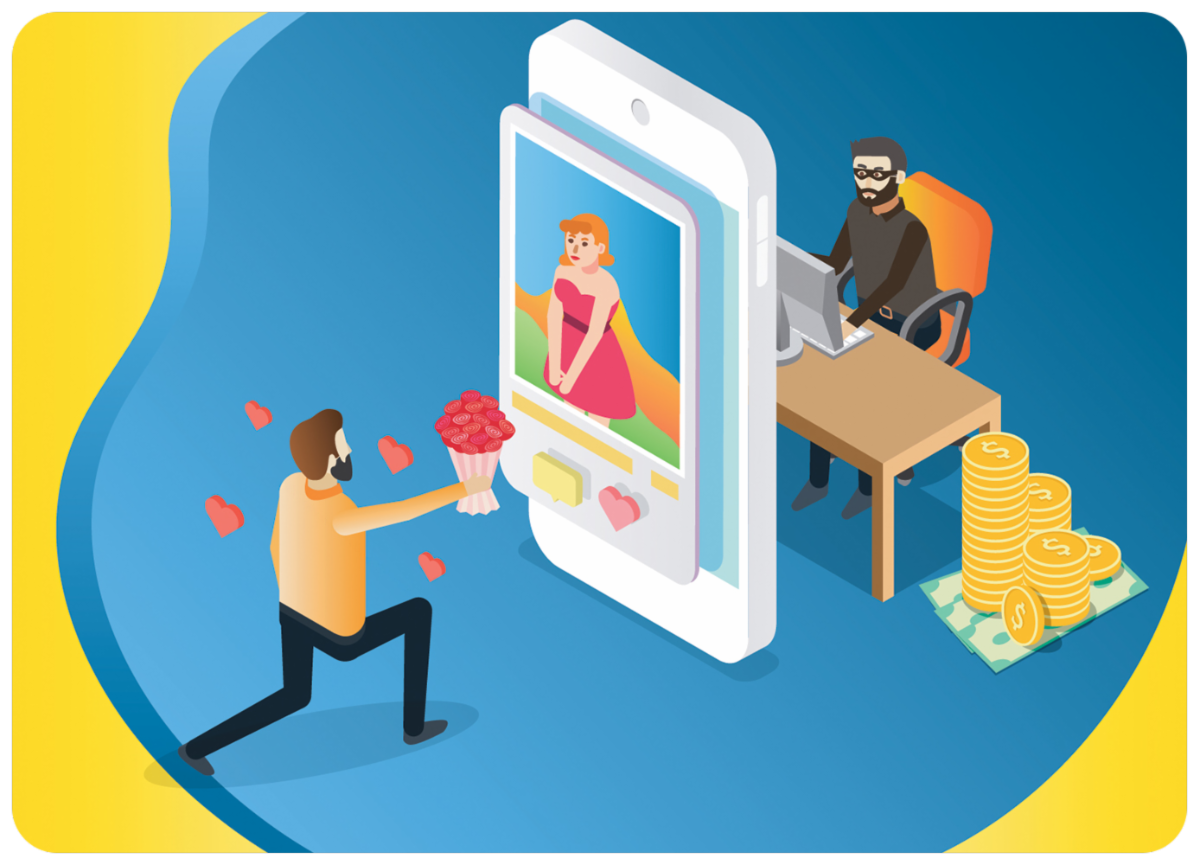
In this session, our teen tech mentors will discuss how romance scams typically begin, common warning signs to look out for, and steps you can take to protect yourself online.
In this session, our teen tech mentors will show you simple ways to verify information you find online, including how to check sources, cross-reference facts, and avoid falling for misinformation.

In this session, our Cyber-Seniors mentors will explain common phone scams that target landlines, what to watch out for, and how to respond safely.
Every post, photo, and online profile can reveal more than you realize. In this session, you'll learn how scammers gather information from social media, public records, and other online sources to build convincing scams and target victims. Discover simple, practical steps you can take to protect your digital footprint and reduce your risk of becoming […]
In this session, our Cyber-Seniors mentors will introduce two popular online privacy tools, Guardio and Incogni. We'll discuss what they do, how they help protect your personal information, and whether these services may be worth considering.
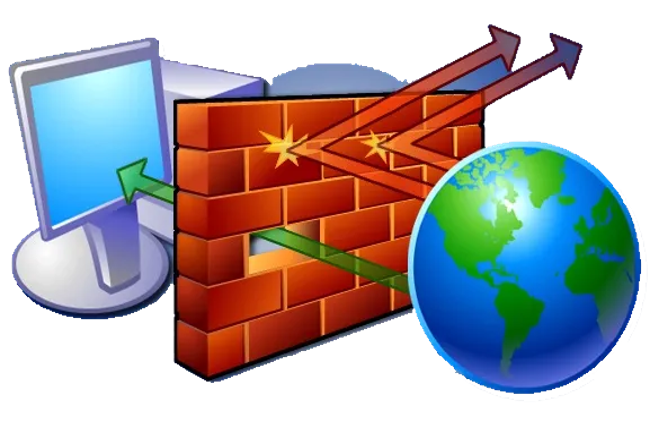
In this session, our Cyber-Seniors mentors will explain what firewalls are, how they help protect your devices from online threats, and why they are an important part of staying safe while using the internet.