How to Scan Documents With Your Phone
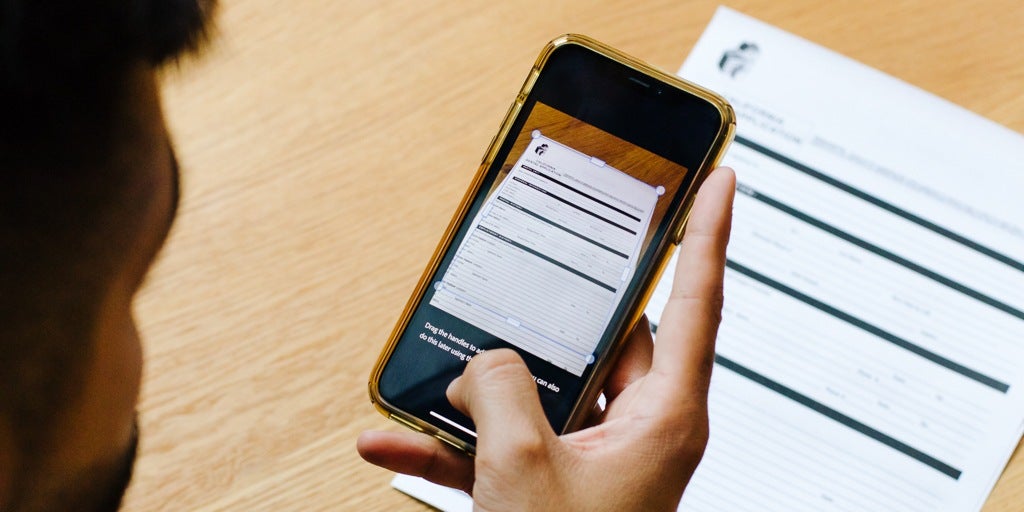
In this session, our teen tech mentors will demonstrate how to use your smartphone to scan documents such as forms, receipts, and letters, and show you how to save or share them digitally.

In this session, our teen tech mentors will demonstrate how to use your smartphone to scan documents such as forms, receipts, and letters, and show you how to save or share them digitally.
In this session, our teen tech mentors will explain how to store important documents like identification, insurance papers, and records safely on your computer or in the cloud so you can easily find them when needed.
In this session, our teen tech mentors will introduce a variety of helpful websites for everyday needs such as health information, government services, learning opportunities, and entertainment.
In this session, our teen tech mentors will explain what internet speed means, why your Wi-Fi may sometimes feel slow, and simple steps you can take to improve your connection at home.
In this session, our teen tech mentors will demonstrate helpful device settings such as larger text, voice typing, screen readers, and other accessibility features that can make technology easier to use.
In this session, our teen tech mentors will explain what software updates are, why they are important for your devices, and how updates help improve security, fix problems, and add new features.
In this session, our teen tech mentors will introduce the TextNow app and demonstrate how it allows you to make phone calls and send text messages using Wi-Fi or data, which can help reduce phone costs.
In this session, our teen tech mentors will show you how to search for trustworthy technology help online and highlight free support options, including Cyber-Seniors, when you need extra guidance.
In this session, our teen tech mentors will explain how to set up a PayPal account, how to use it for online payments, and what to watch for to help you avoid scams, fake emails, and suspicious requests.
In this session, our teen tech mentors will show you simple ways to verify information you find online, including how to check sources, cross-reference facts, and avoid falling for misinformation.
In this session, our teen tech mentors will introduce the Radiant Photo app, show some of its basic editing features, and explore how it can help improve lighting, color, and overall photo quality.
In this session, our teen tech mentors will walk through common smartphone camera modes, explain what each one does, and share when to use them for photos and videos.