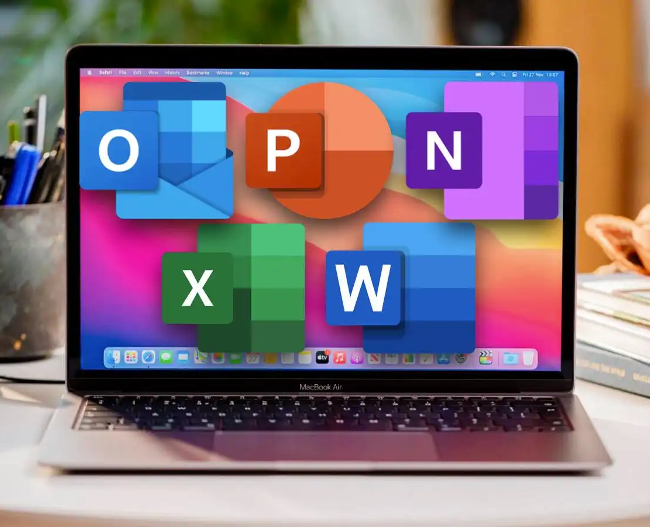
Navigating Microsoft Office on a Mac
In this session, our teen tech mentors will demonstrate how to use Microsoft Office programs on a Mac, including helpful shortcuts and compatibility tips.

In this session, our teen tech mentors will demonstrate how to use Microsoft Office programs on a Mac, including helpful shortcuts and compatibility tips.

In this session, our teen tech mentors will introduce iFixit and show how you can safely explore or repair your own devices using simple step-by-step guides.
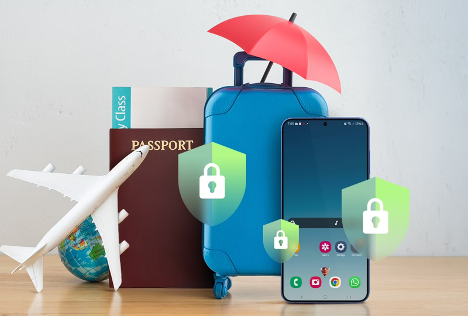
In this session, our teen tech mentors will share practical tips for using your smartphone safely while traveling, including managing data and staying connected.

In this session, our teen tech mentors will demonstrate popular AI chatbots like ChatGPT, Poe, and Claude, and show fun, safe ways to explore artificial intelligence.

In this session, our teen tech mentors will teach how to use Quick Share and AirDrop to send photos, files, and videos instantly between devices.

In this session, our teen tech mentors will explain what AI “hallucinations” are and how to recognize when a chatbot may give inaccurate information.

In this session, our teen tech mentors will introduce participants to Chromebooks, exploring their key features, settings, and tips for getting the most out of these simple, secure laptops.
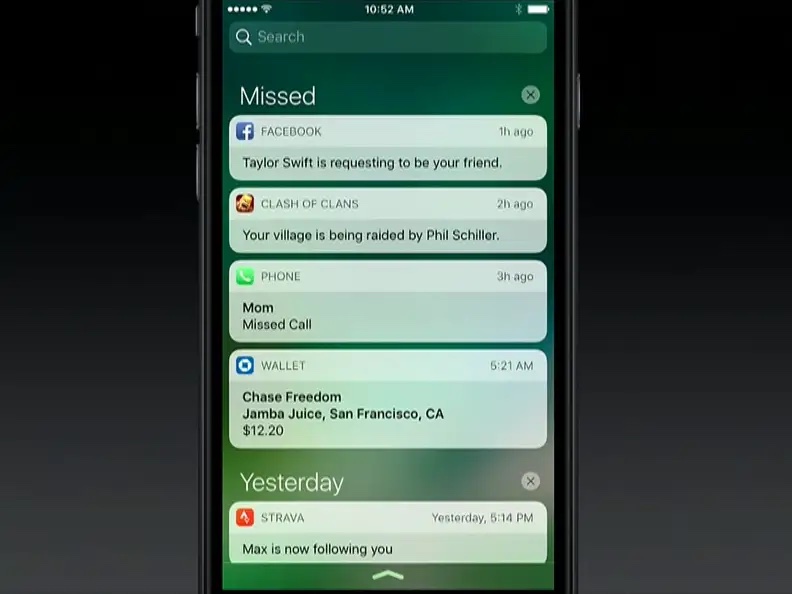
In this session, our teen tech mentors will teach you techniques to avoid notification overload, by disabling unnecessary notifications and categorizing alerts based on importance and relevance, as well as using "Do Not Disturb" mode during specific times to improve overall productivity.

In this session, our teen tech mentors will show you how the What3Words app can help emergency services find your exact location anywhere in the world — using just three simple words.

In this session, our teen tech mentors will explain how digital tracking works, what information is collected, and how to manage your privacy online.

In this session, our teen tech mentors will introduce AI-powered browsers and show how they can simplify searching, organizing information, and staying safe online.

In this session, our teen tech mentors will demonstrate the helpful AI features already built into your smartphone and how to use them for everyday tasks.