
The Latest Android Updates
In this session, our teen tech mentors will walk you through the latest Android updates, what has changed, and why keeping your device up to date is important for performance and security.

In this session, our teen tech mentors will walk you through the latest Android updates, what has changed, and why keeping your device up to date is important for performance and security.

In this session, our teen tech mentors will explain what app permissions are, how to review and adjust them, and how managing permissions can help protect your privacy and security.
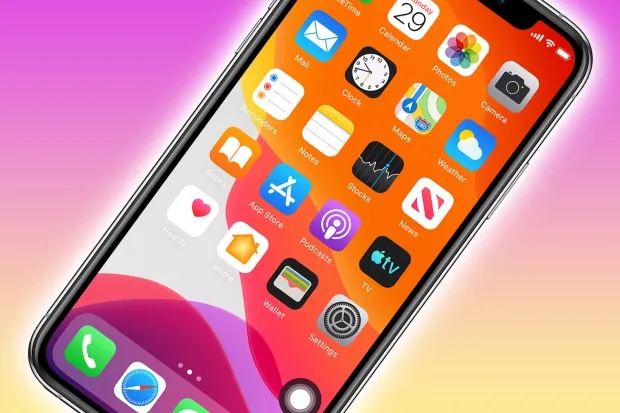
In this session. our teen tech mentors will teach you how to customize iPhone shortcuts, enhance privacy, and maximize efficiency with tips and tricks.
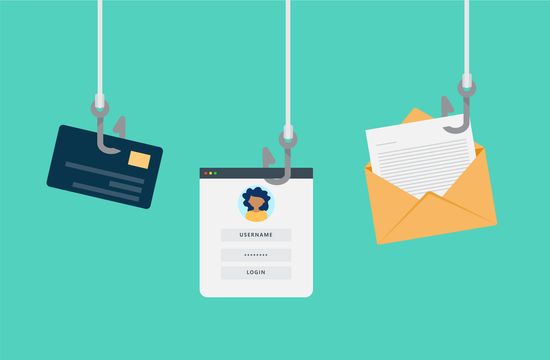
In this session, our teen tech mentors will help you recognize common email scams, understand warning signs, and learn what to do if you receive a suspicious message.

In this session, our teen tech mentors will show you how to recognize fake websites, misleading pop-ups, and urgent warnings, and explain what to do if one appears on your screen.

In this session, our teen tech mentors will walk through how to tell if a website is safe, avoid online shopping scams, and browse the internet with more confidence.

In this session, our teen tech mentors will explain how hackers gain access to accounts and share simple steps you can take to better protect your email, social media, and online accounts.
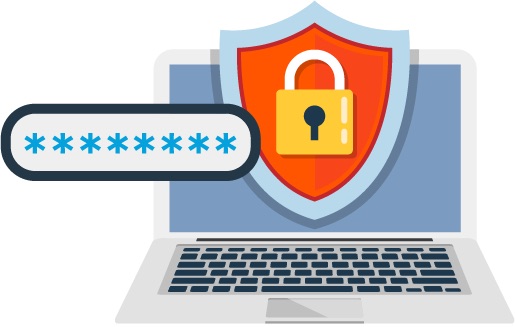
In this session, our teen tech mentors will explain what makes a strong password and share examples using common platforms like Gmail, Facebook, and online banking accounts.
In this session, our teen tech mentors will explain two-step sign-in using examples like text message codes, Google Authenticator, and Microsoft Authenticator, and show how they protect your accounts.
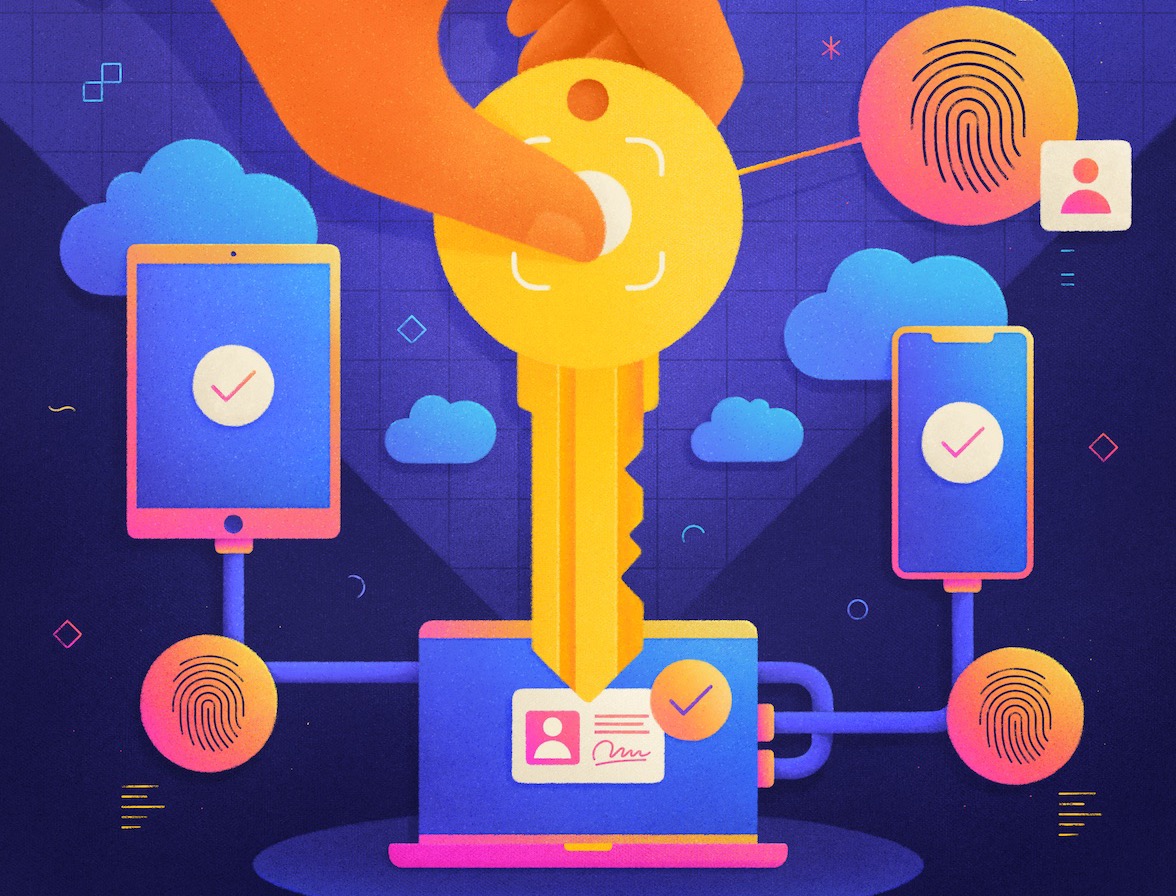
In this session, our teen tech mentors will explain what passkeys are and demonstrate signing in without a password using platforms like Google, Apple ID, and Microsoft accounts.
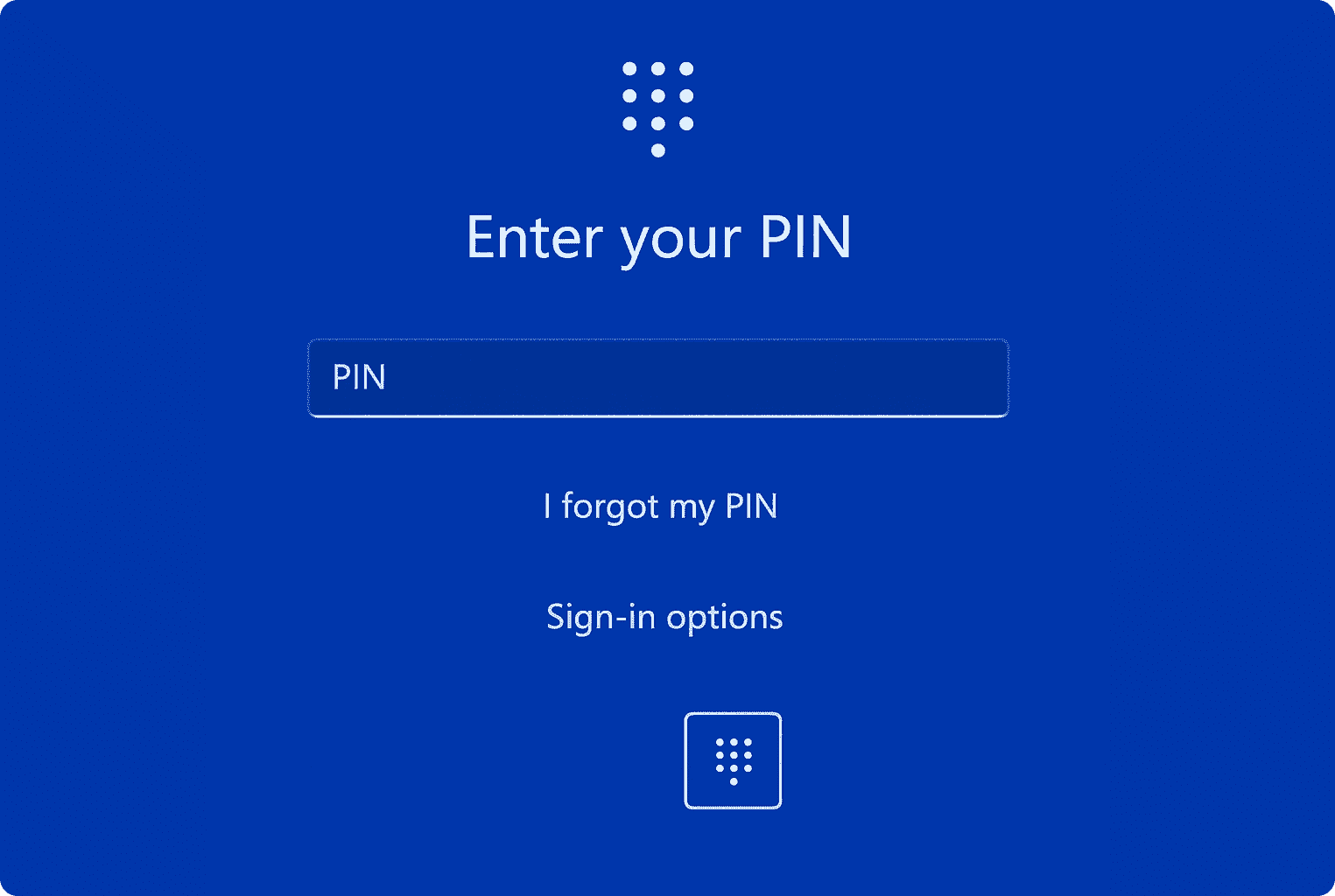
In this session, our teen tech mentors will compare different sign-in options- including passwords, password managers, passkeys, and two-step sign-in- to help you decide what works best for you.

In this session, our teen tech mentors will walk you through helpful Android settings that can make your phone easier to use, more organized, and better suited to your daily needs.