Technology

Events

Views Navigation

Event Views Navigation

Today
  • How to Look Up Health Information Online Safely

    In this session, our teen tech mentors will show you how to look up health and medication information online safely, identify trustworthy websites, and use simple tips to check whether the information you find is reliable. 

  • Choosing a Home Security Camera

    In this session, our teen tech mentors will explain how home security cameras work, review common features, and share helpful tips to consider when choosing a camera that fits your home. 

  • AI Basics: Helpful Uses, Limits & Safety Tips

    In this session, our teen tech mentors will introduce the basics of AI, explain common everyday uses, and discuss important limits and safety tips to keep in mind when using AI tools. 

  • Simple Tools to Record Your Life Story

    Presented by the NextGen Story team, this session explores why recording life stories is so meaningful and demonstrates how tools like Microsoft Word and Google Docs (including microphone/voice typing features) can support those who find typing challenging. 

  • Online Banking Made Easy

    In this session, our teen tech mentors will walk you through common online banking tasks, such as checking balances, paying bills, and depositing cheques, while sharing simple tips to help you bank online with confidence. 

  • From Draft to Done: Finishing Your Life Story Book

    Presented by the NextGen Story team, this session is designed for people who already have some stories written and are looking for guidance on how to turn those pieces into a finished book that they and their family can be proud of for generations to come. 

  • Public Wi-Fi: What’s Safe?

    In this session, our teen tech mentors will explain how public Wi-Fi works, what activities are safe to do on shared networks, and simple steps you can take to protect your personal information. 

  • Smart Speakers for Everyday Tasks

    In this session, our teen tech mentors will show you how smart speakers like Alexa and Google can help with everyday tasks such as setting reminders, timers, and getting quick information. 

  • Do I Need a New Phone?

    In this session, our teen tech mentors will help you understand common signs that your phone may or may not need replacing, and share tips to decide whether an upgrade is necessary. 

  • Cutting the Cable: Simple TV Alternatives

    In this session, our teen tech mentors will explain free and low-cost TV options like Pluto TV and internet-based services, showing how you can watch live channels and shows without a traditional cable subscription. 

  • Clever iPhone Tips You Didn’t Know

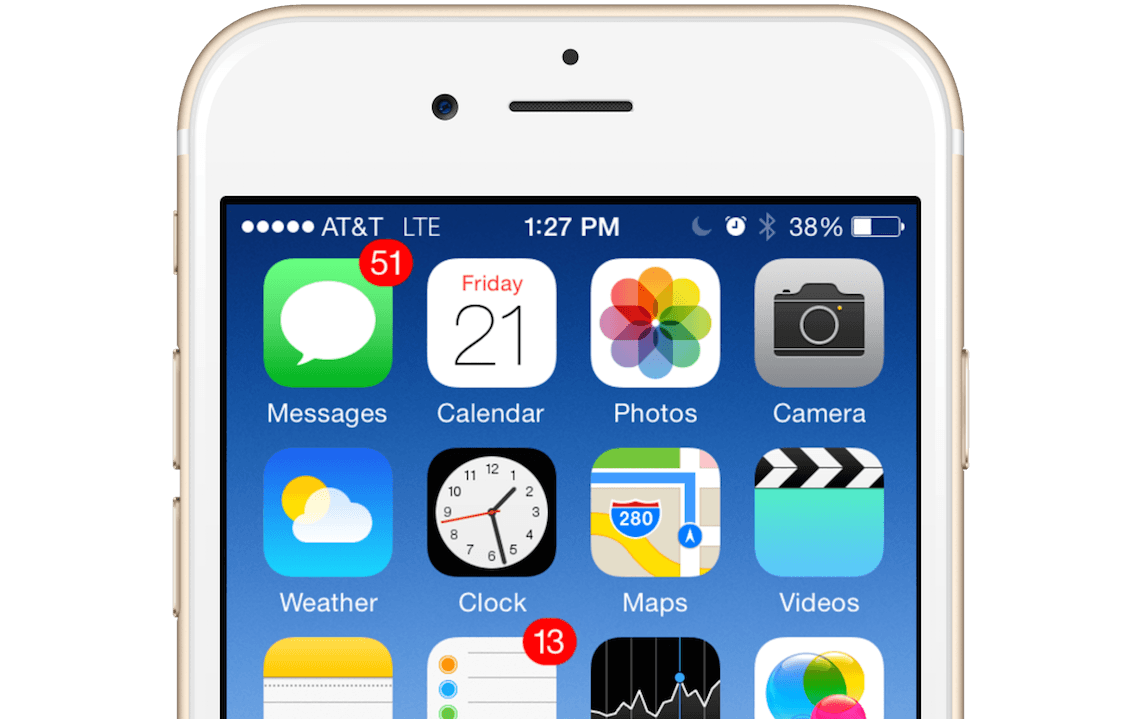
    In this session, our teen tech mentors will share useful and lesser-known iPhone features that can help make everyday tasks quicker, easier, and more accessible. 

  • Using Call Screening to Avoid Spam Calls

    In this session, our teen tech mentors will demonstrate how call screening tools work and how you can use them to manage unknown or spam calls with confidence.