
Take Control of Your Files with CX File Explorer
In this session, our teen tech mentors will guide you through using CX File Explorer to organize, find, and manage files on your device.

In this session, our teen tech mentors will guide you through using CX File Explorer to organize, find, and manage files on your device.
In this session, our teen tech mentors will show you simple iPhone settings that can improve accessibility, reduce frustration, and help you get more out of your device.
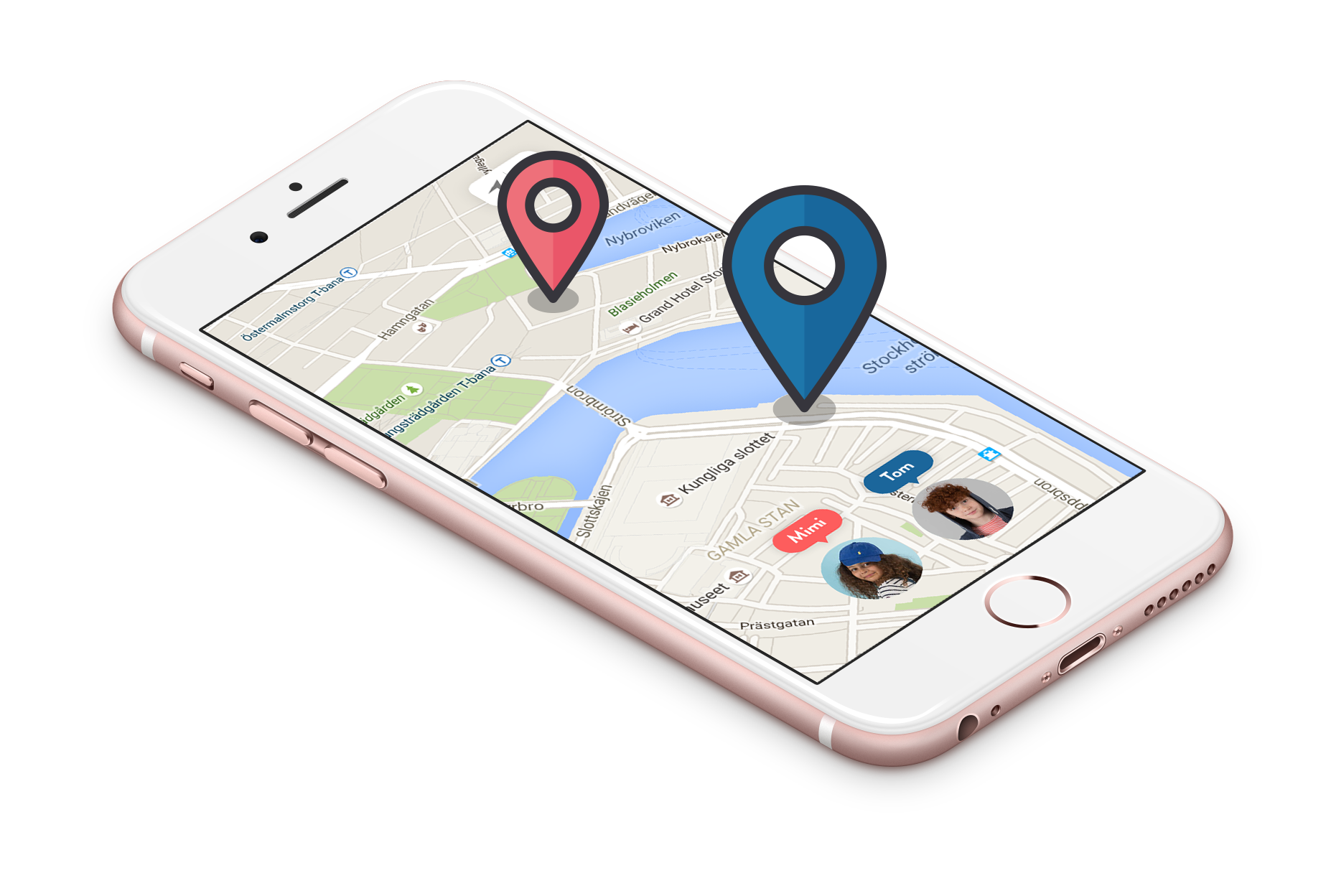
In this session, our teen tech mentors will explain what to do if you lose your phone, including how to locate it, secure your information, and protect your privacy.
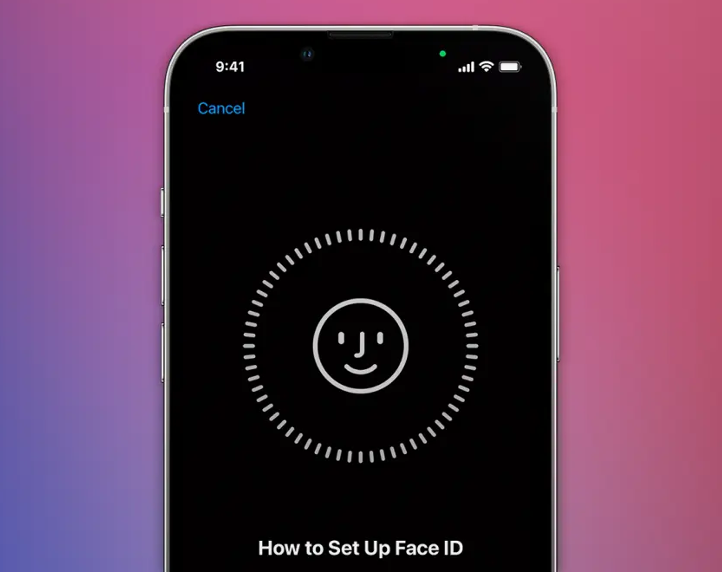
In this session, our teen tech mentors will explain how Face ID and fingerprint features work and how to use them comfortably to protect your phone and personal information.
In this session, our teen tech mentors will introduce Bitwarden and show how a password manager can help you create, store, and use strong passwords with ease.

In this session, our teen tech mentors will show you how to use the Umami app to organize recipes, plan meals, and make cooking and baking easier.

In this session, our teen tech mentors will explain what a Retina display is, how it improves screen clarity, and why it can make text and images easier to see.

In this session, our teen tech mentors will explain why backups matter and show you how to back up your computer using reliable external drives, including enterprise-grade options from Western Digital and Seagate IronWolf.
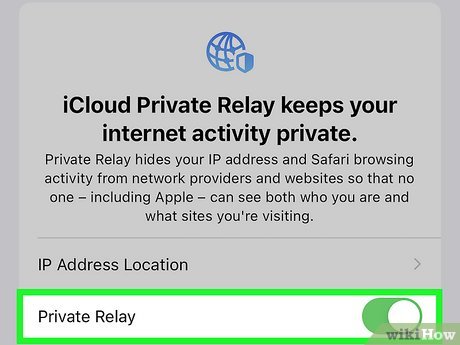
In this session, our teen tech mentors will explain what iCloud Private Relay is and how it helps protect your privacy while browsing the internet.
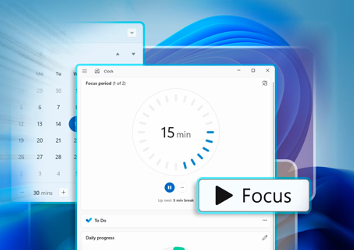
In this session, our teen tech mentors will explain what Focus Mode is, how it works, and how to use it to reduce distractions and stay focused on your phone.
In this session, our teen tech mentors will walk you through the latest Android updates, what has changed, and why keeping your device up to date is important for performance and security.

In this session, our teen tech mentors will explain what app permissions are, how to review and adjust them, and how managing permissions can help protect your privacy and security.