Uber Eats: Ordering Food Online
Learn how to use the Uber Eats food delivery app. Choose from restaurants in your area and order fast food, brunch, lunch, dinner, groceries & more. Order food online or using the mobile app.


Learn how to use the Uber Eats food delivery app. Choose from restaurants in your area and order fast food, brunch, lunch, dinner, groceries & more. Order food online or using the mobile app.
How do I order groceries online? Websites like Instacart, Cornershop, and Inabuggy allow you grocery shop from the comfort of your home. A personal shopper will pick up everything on your list, and if something is unavailable, they will offer other options or a refund.
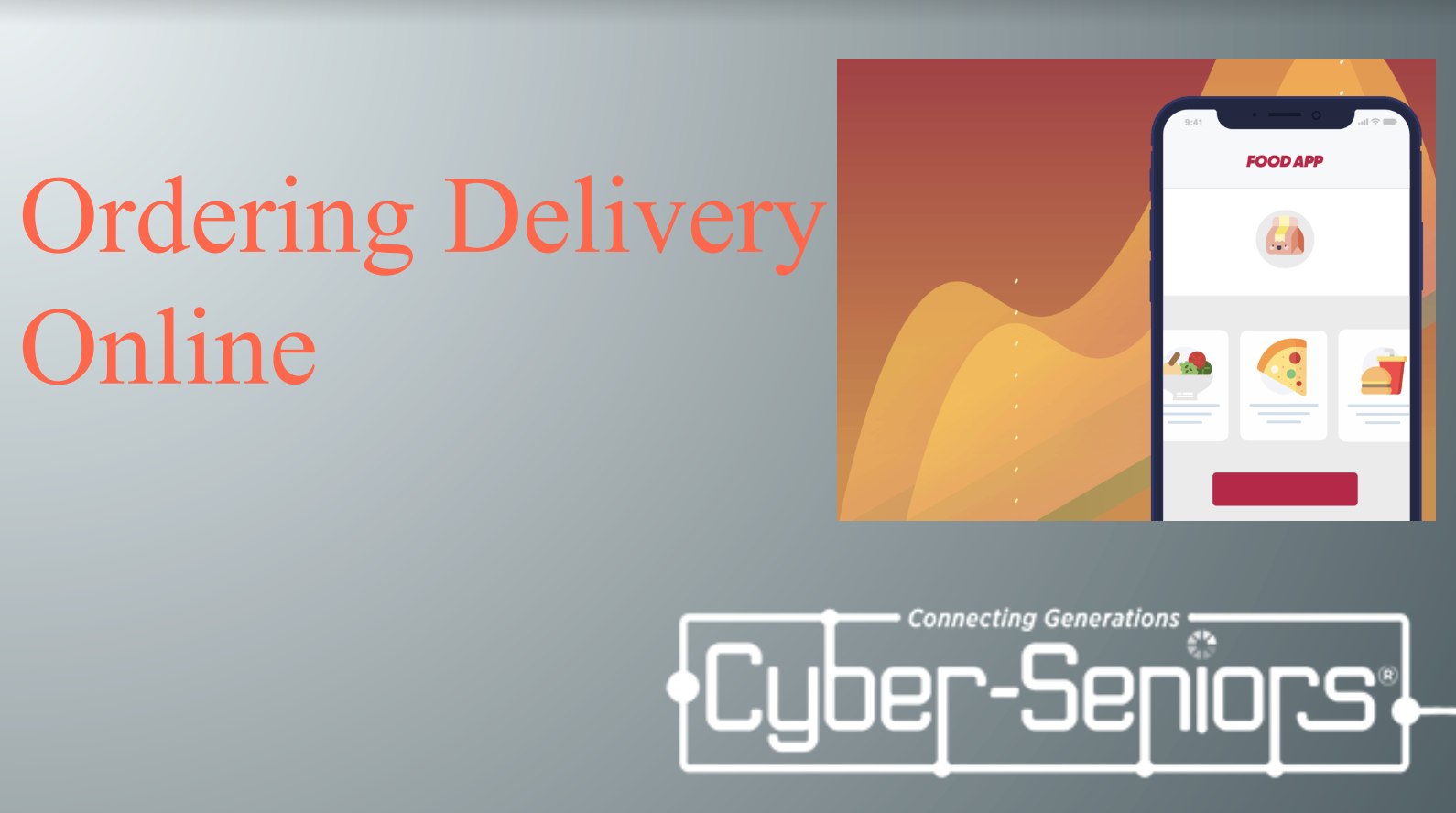
How do you use food delivery services? Ordering food through food delivery apps like Skip the Dishes, Foodora, and Uber Eats gives you easy access to your favourite restaurants and fast food chains.
Want to learn how to create and send eCards? Faster than regular mail, they send and arrive instantly. Many eCard websites are free to use. Create custom eCards with thousands of different themes.
How to use Google Sheets? This is very similar to the Microsoft Excel spreadsheet, it allows you to do many things such as calendars and budgets.

What is Google Scholar? Google Scholar is a free academic search engine that prioritizes showing results through articles, reports, online books and much more. Google Scholar narrows down its results to more academic and verifiable sources of information.
How to use Google Photos? Google Photos is a photo sharing and cloud-based storage service. Allows you to safely store your pictures in the cloud, if your computer breaks, your pictures are safe and can be download to your new computer.
What is Google Docs? Share either your whole desktop or a portion of you screen. This allows more than one person to work on a shared document at the same time.
How do you use a Google Calendar? Google Calendar can be used to schedule events and meetings. It can be connected to your Gmail account if you have one and it can automatically import events from your inbox so you don’t have to worry about entering them in manually.

How do you make your email inbox more manageable? Learn simple tips and tricks to manage your email inbox.