
Views Navigation

Event Views Navigation

Today

Time-Saving Tips: A Guide to Keyboard Shortcuts

Keyboard shortcuts provide several benefits for computer users, by enhancing productivity and minimizing repetitive mouse movements. In this session, our teen tech mentors will explore the ways in which keyboard shortcuts can be useful to computer users and how they can be customizable, enabling users to tailor their computing experience to their specific needs and […]

Movie Night: The Holiday

*Note start time of 3pm ET Join us for this heartwarming Christmas favorite where two women trade homes for the holidays and discover love, laughter, and the true magic of connection across generations and continents. 

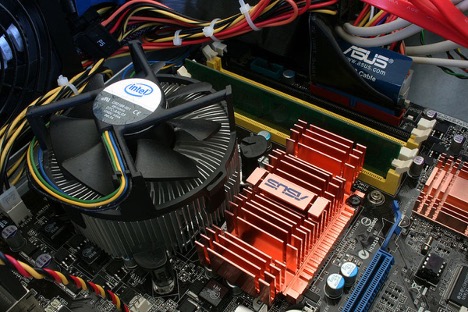
What’s Inside My Computer?

In this session, our teen tech mentors will break down the main parts of a computer and explain what each component does to keep your device running smoothly. 

Paid vs. Free Antivirus and Security Tools

In this session, our teen tech mentors will compare free and paid antivirus options, helping you understand which tools offer the best protection for your needs. 

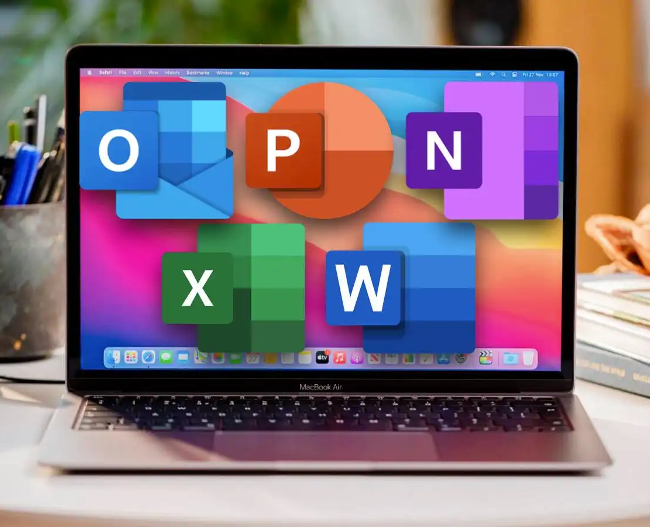
Navigating Microsoft Office on a Mac

In this session, our teen tech mentors will demonstrate how to use Microsoft Office programs on a Mac, including helpful shortcuts and compatibility tips. 

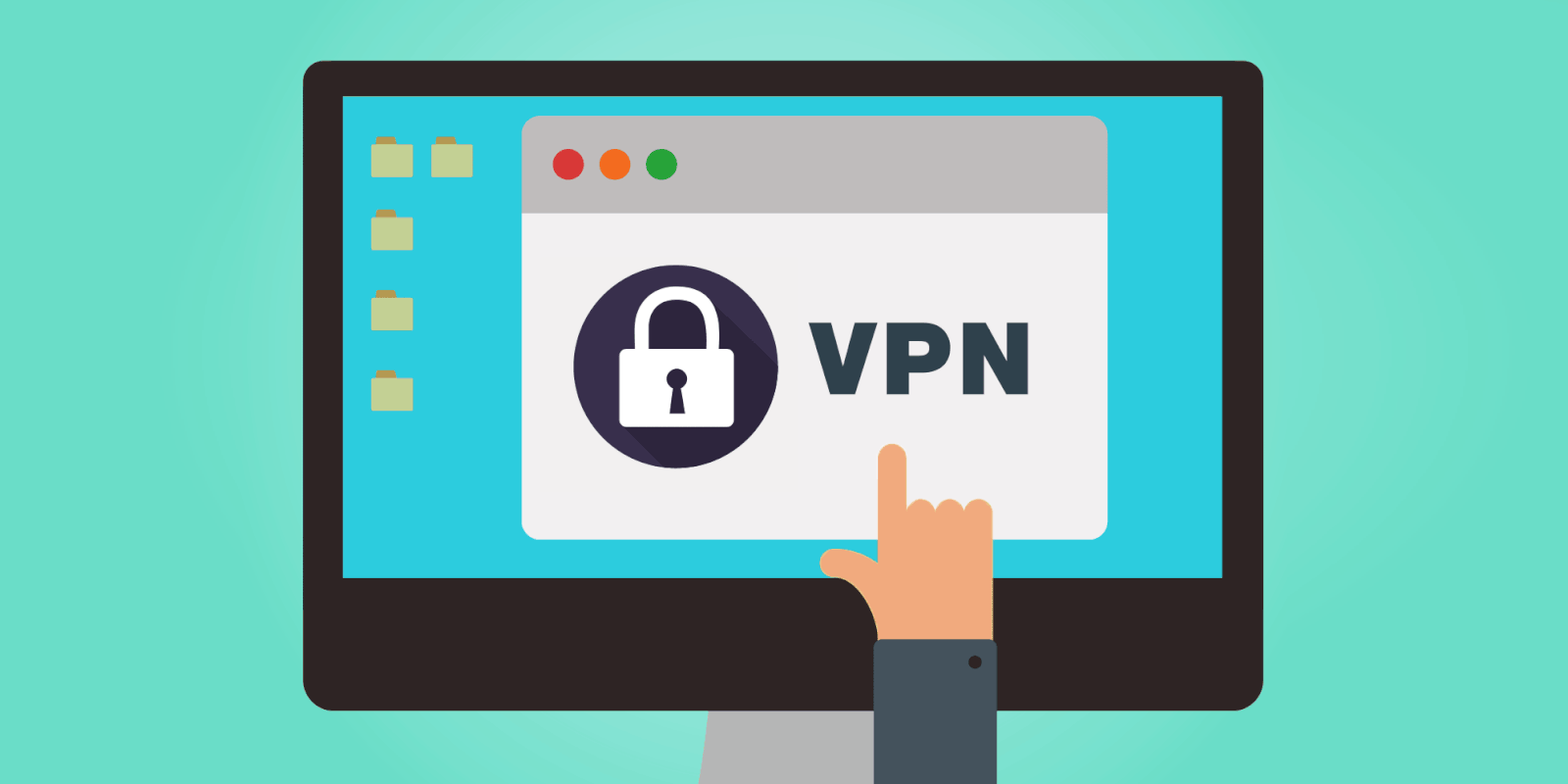
VPNs Made Simple

In this session, our teen tech mentors will explain what a VPN is, when to use one, and how it helps keep your online activity private and secure. 

iFixit and DIY Tech Repairs

In this session, our teen tech mentors will introduce iFixit and show how you can safely explore or repair your own devices using simple step-by-step guides. 

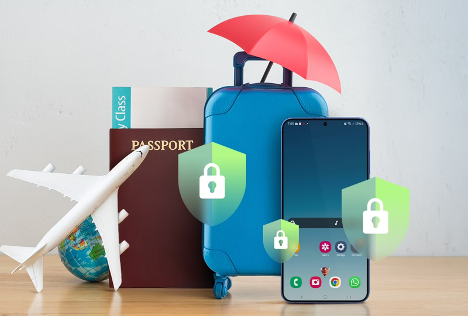
Travel Smart with Your Smartphone

In this session, our teen tech mentors will share practical tips for using your smartphone safely while traveling, including managing data and staying connected. 

Quick Share and AirDrop

In this session, our teen tech mentors will teach how to use Quick Share and AirDrop to send photos, files, and videos instantly between devices.