Real or AI? Spotting Digital Fakes
In this session, our Cyber-Seniors mentors will share practical clues for recognizing AI-generated images, videos, voices, and misleading online content.

In this session, our Cyber-Seniors mentors will share practical clues for recognizing AI-generated images, videos, voices, and misleading online content.
In this session, our teen tech mentors will break down the key differences between iPhone and Android to help you choose the best smartphone for your needs.

In this session, our teen tech mentors will explain how modern AI search tools work and how they differ from traditional search engines like Google. We’ll demonstrate how tools such as ChatGPT and Perplexity can answer questions, summarize information, and help you find reliable information more quickly.

In this session, our teen tech mentors will compare Microsoft Edge and Google Chrome to highlight which browser offers better speed, security, and user experience.

In this session, our teen tech mentors will walk you through Google Meet and Zoom to compare their features and help you decide which video platform suits you best.
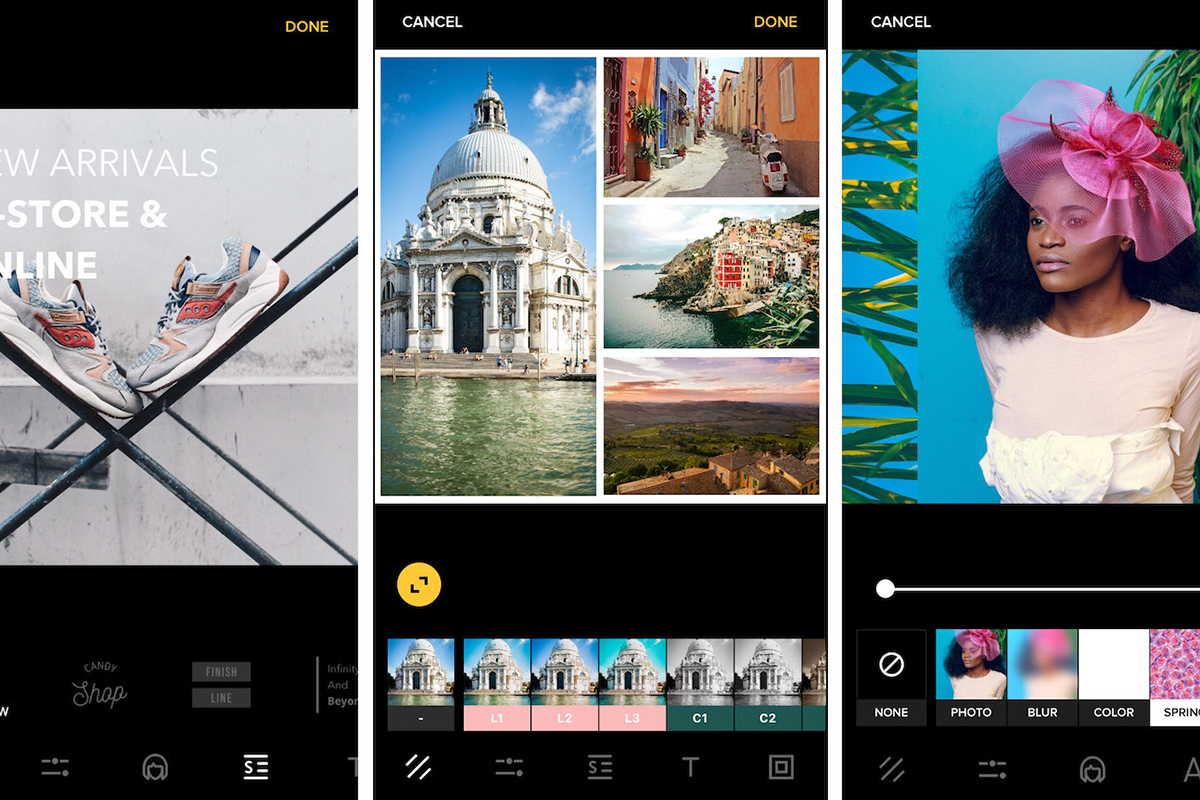
In this session, our Cyber-Seniors mentors will show you how to organize, search, edit, back up, and share your digital photos more easily.

In this session, our Cyber-Seniors mentors will share simple ways to organize files, clean up email, remove unused apps, free storage space, and make devices easier to use.
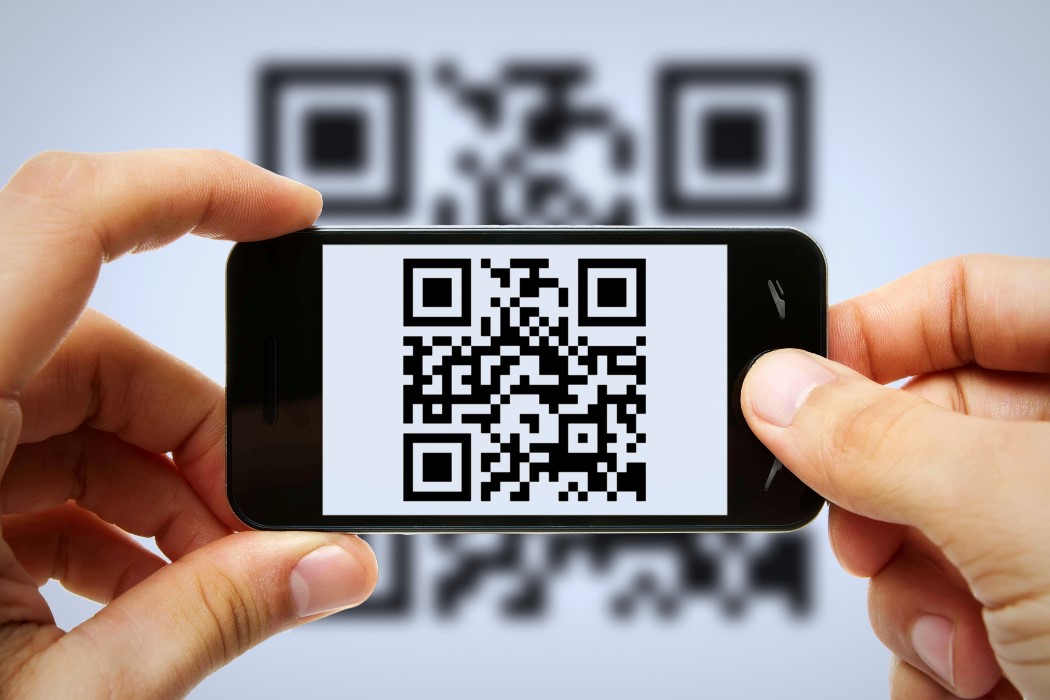
In this session, our Cyber-Seniors mentors will explain how QR codes work and how to recognize suspicious codes before opening potentially unsafe links.

In this session, our Cyber-Seniors mentors will show you how to prepare for telehealth appointments, access meeting links, test your equipment, and protect your privacy.

In this session, our Cyber-Seniors mentors will uncover helpful Google Maps features for saving locations, sharing your whereabouts, finding routes, and navigating without internet access.

In this session, our Cyber-Seniors mentors will guide you on creating your own digital self using AI tools.

In this session, our Cyber-Seniors mentors will show you how to boost your productivity by mastering essential CTRL keyboard shortcuts.